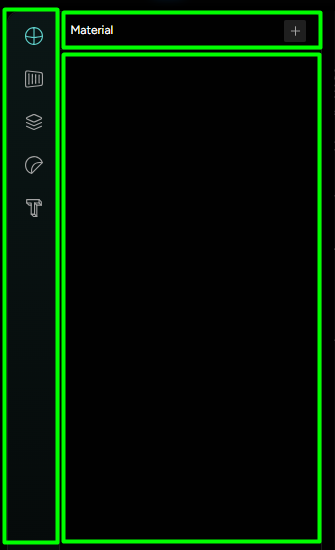
The Left-Side Editor Menu
The Left-side editor Menu (Figure 1) is found on the left side of the 3D Designer interface and it always displays the settings and options of the Features in the Editor tab. It is divided into 3 main sections (Marked “1-3” in Figure 3):
- Name bar - Displays the Name of the Feature with Create/Copy/Clone options
- Vertical bar - Displays different connected categories of the same Feature
- Editing space - Displays the settings for a chosen Feature.