Introduction
In a digital era where immediacy is the norm, web-based 3D experiences are no exception. Users anticipate rapid loading and smooth interactions when they encounter 3D content online. High-quality visuals are a given expectation, and the challenge for creators is to deliver these complex models and textures briskly, without compromising the richness of the user experience.
To aid creators in meeting these stringent demands, our platform includes a helpful assistant: the Optimizer. It is a complementary tool that works quietly behind the scenes, fine-tuning 3D assets to ensure they're web-ready. With the necessity for modest file sizes, reduced polygon counts, and modestly-sized textures, the Optimizer smartly streamlines your models, so they perform effortlessly during real-time rendering on the web.
Whether you're looking to embed these optimized models directly into a workspace or export them for broader use, the Optimizer is there to ensure that your content is not only beautiful and lifelike but also primed for the realities of the online 3D experience.
Capabilities of the Optimizer
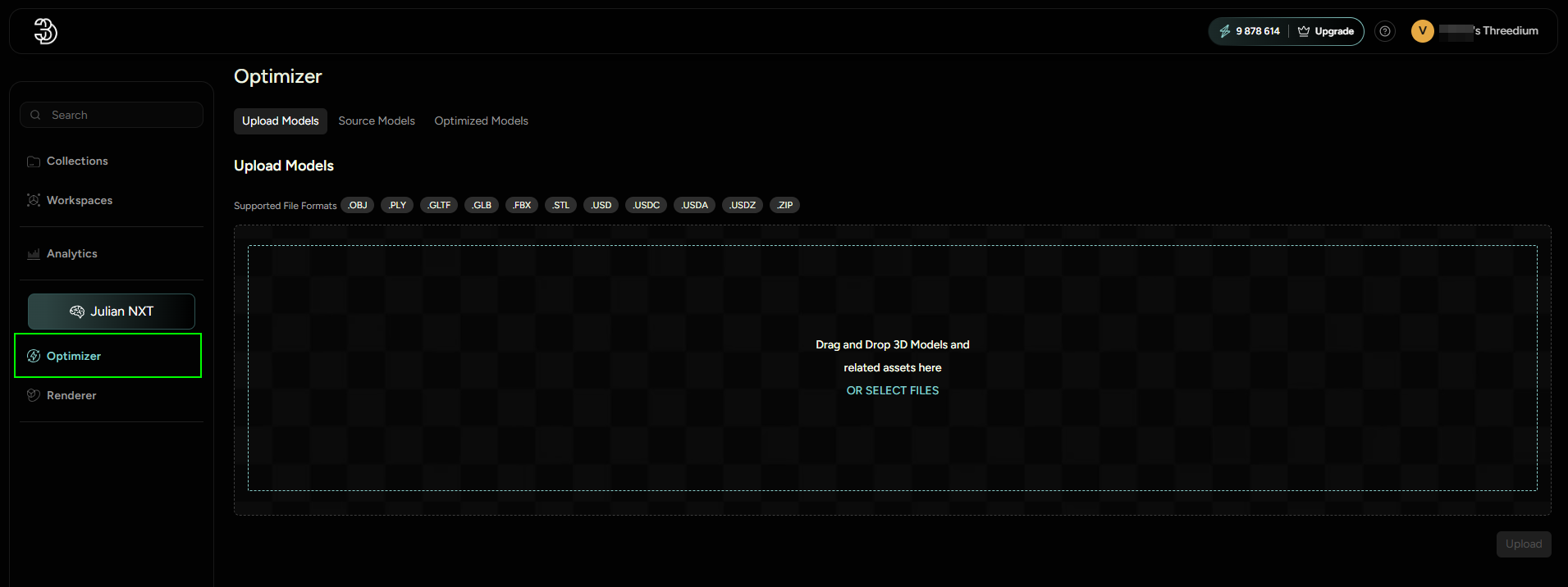
- File Size Reduction: Decreases the overall size of 3D model files for faster loading times.
- Polygon Count Adjustment: Methodically lowers the number of polygons to meet performance standards without excessively diminishing model detail.
- Texture Resizing: Optimizes texture resolutions to balance visual quality with performance efficiency.